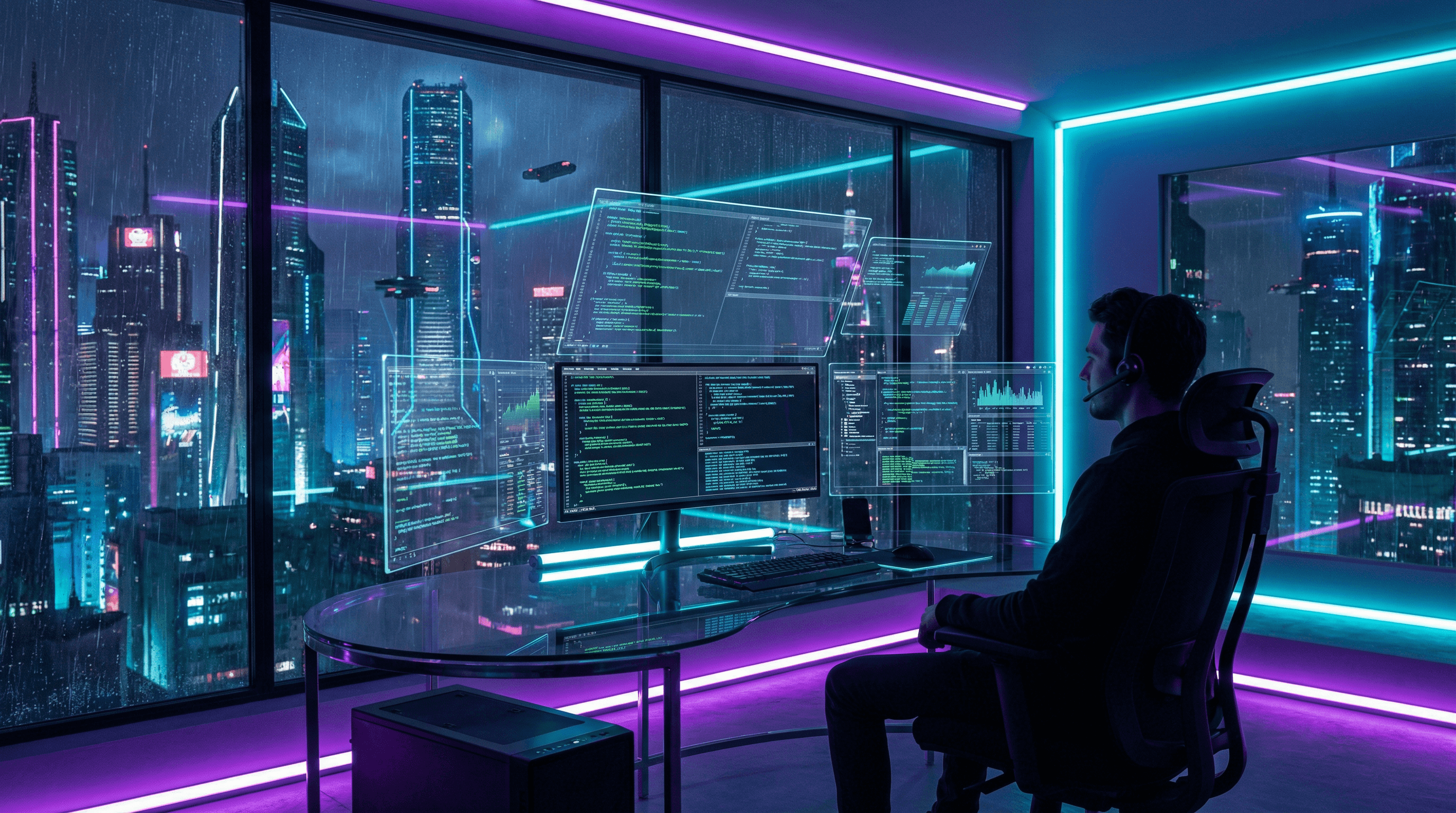
Work from Anywhere with a Cloud Workstation
Your laptop is for browsing and connecting. The heavy lifting happens on a TurboGPU instance with dedicated GPU, fast SSD, and unlimited bandwidth.
Who Is This For?
Step 1: Choose Your Tier
| Workload | Recommended Tier | Why |
|---|---|---|
| Video editing (1080p) | Starter | 12 GB VRAM is enough for most edits |
| Video editing (4K+) | Standard | 24 GB VRAM for smooth 4K timelines |
| 3D rendering | Pro | Fastest render times |
| ML development | Power | 48 GB VRAM for large models |
Step 2: Deploy and Connect
Step 3: Install Your Tools
You have full admin access to Windows 10. Install anything:
Optimizing Your Workflow
For Video Editors
For 3D Artists
For Developers
Access from Any Device
| Device | Connection Method | Experience |
|---|---|---|
| Windows PC | Built-in RDP | Excellent |
| Mac | Microsoft Remote Desktop app | Excellent |
| iPad | RD Client app | Great |
| Android | RD Client app | Good |
| Chromebook | Web-based noVNC | Decent |
Cost for a Work Day
An 8-hour workday on the Standard tier: $4.80. That's less than your coffee budget.
Over a month (22 work days): $105.60 for a machine that would cost $2,500+ to build.